
We asked an LLM extraction step to read a yarn shop's product page and return the price per 50 g. It returned a number on almost every row. The number was right on 18 of 69 rows.
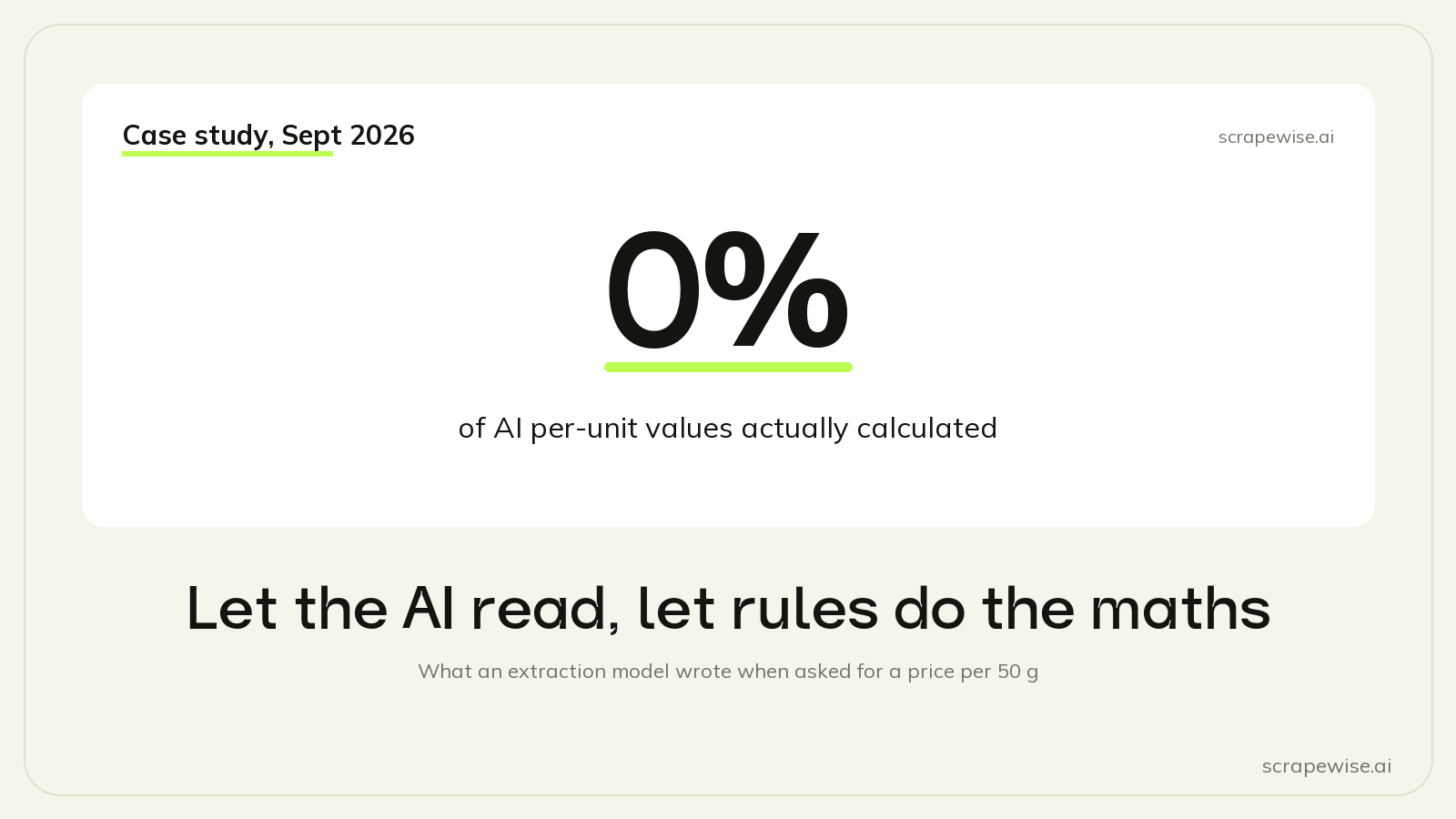
That sounds like a model that is right a quarter of the time. It is worse than that. When we checked every row, not one of the 18 held a real calculation. They were all 50 g balls, where the price per 50 g is the price. The model had copied the price, and on those rows copying happened to be correct.
This post is about LLM data extraction accuracy on the one thing it is bad at, and the split we use now: the AI reads raw values off the page, and plain rules do every calculation.
The Setup
The job was a price per unit comparison for a yarn retailer, using the competitor links they gave us. The full story is in comparing prices across pack sizes. The schema for the AI scraper asked for name, price, sale price, currency, pack weight in grams, price per 50 g and sale price per 50 g.
The first run looked fine at a glance. Every column was filled. Most values were plausible. You would only see the problem by recomputing each row, which is exactly the check nobody does on a busy day.
What the Model Wrote in the Price per 50 g Column
We went through all 69 yarn rows by hand against the live pages.
| What the column held | Rows |
|---|---|
| The price, copied. Right only because the pack is 50 g | 18 |
| The price, copied, although the pack is not 50 g | 22 |
| About price ÷ 5, a formula nobody asked for | 11 |
| The other printed price on the page (the before-price or the sale price) | 6 |
| The shop's own printed price per kg | 3 |
| Other numbers from the page | 3 |
| Empty, because price or pack was missing | 6 |
| A real, correct calculation | 0 |
The sale price per 50 g was worse. On 49 rows with no sale at all, the model filled it with a copy of the price. So on a chart, most products looked like they were on sale at their normal price.
We rewrote the schema twice. Once with the formula and an example in the field description, once with an instruction at page level to calculate. Neither changed the pattern. The model copies numbers it can see. It does not produce a number that is not on the page.
The Pack Weight Was Also Wrong, for Different Reasons
The per-50 g value needs a correct pack weight, and that was wrong on 25 of 67 links. These errors were not arithmetic. They were reading errors, and they had causes you can recognise:
- Another number on the page. A free-shipping threshold of 699 became the pack weight. A pattern note, "about 450 g for a sweater", became 450.
- Several weights on one page. A product page listing several colourways with different ball sizes gave the weight of a colourway that was not the linked one. That happened on 6 links.
- Units. Shops that store weight in kilograms gave 0.05 and 0.1, and the model wrote those as grams.
- Nothing found. On 4 pages the price and the weight were in the page, but not where the model looked, for example inside microdata or written by a script.
- The wrong product. A collection page with many yarns gave a different yarn.
One of the 25 was not the model's fault at all: the customer's file was out of date, and the shop's 226 g was right.
Why This Happens
An extraction model is trained to find a value in text and return it in a field. That is reading. A price per unit is a derived value: it is not printed on the page, so there is nothing to find, and the model fills the field with the closest thing it can find. The output format hides the difference. A copied number and a calculated number look the same in a JSON field.
You can see the same thing in other LLM work. Models are good at pulling "2.60" and "100 g" out of messy text. They are unreliable at doing the division in the same step, and they give no signal when they skip it.
The Split That Works
We changed the rule for every scraper. The AI copies what is printed, with no maths and no unit changes. Every calculation is an after-scrape rule, which is plain code that does the same thing on every row.
The raw schema now has: name, pack_grams, price, sale_price, currency, availability. Every field description says "copy as printed".
The rules then do the rest:
- Take a number from text reads the number in front of a unit word, such as "Wool 100 g" in a product name, and can convert kg to g. We use it where the weight is only in text.
- Price per unit computes
price ÷ pack_grams × 50. It skips the row when the price or the pack is missing, so an unknown stays empty instead of becoming 0. - Convert currency turns the result into EUR with the ECB rate of the day, and writes the rate and its date next to it.
- Replace values from a list maps each shop's stock wording to IN_STOCK, OUT_OF_STOCK, BACKORDER or UNKNOWN.
After the change the arithmetic was right on every row that had a price and a pack, 100% in the first run and 100% in the final setup.
What a Text-Cleaning Rule Cannot Do
Before the "Price per unit" and "Take a number from text" rules existed, we tried to get by with the text-cleaning rule we had, which keeps only the characters you choose. It is useful for codes. It is dangerous for numbers. We tested it on real pack texts:
| Input | Keep | Output | Right? |
|---|---|---|---|
100 g |
digits | 100 |
Yes |
0.05 kg |
digits, dot, comma | 0.05 |
The digits, but still kg |
100m/50g |
digits | 10050 |
No, metres and grams glued together |
3.53 oz |
digits | 353 |
No, the decimal point is gone |
49,95 kr. |
digits, dot, comma | 49,95. |
No, a trailing dot and a comma decimal |
This is why the number rule reads the number in front of a named unit and ignores the other digits on the line.
Use Less AI Where a Structured Source Exists
The second fix was to use the AI less. Many of the shops had a structured source with the weight in grams already as a number: Shopify's variant JSON, WooCommerce's Store API, or itemprop microdata in the HTML. For those links we replaced the AI scraper with an API or microdata scraper. Under 10% of the links that return data still use AI, because no structured source on those shops has the weight.
We choose the source in this order: long-run reliability first, then scale, then cost. Structured sources win on all three. On several live pages the AI step failed and returned no data, while a scraper without the AI step read the same pages at the cheapest fetch tier. And on the first Shopify links we moved, the JSON run cost about a ninth of the AI run. More on finding these sources in how to find the hidden JSON API behind a shop page.
A Checklist for AI Extraction
If you use LLM extraction for prices, this is what we would do from day one:
- Ask only for values that are printed on the page. No totals, ratios, conversions or "per" values.
- Put every calculation in a rule you can read, and test the rule on sample values before you save it.
- Leave a derived value empty when an input is missing. Never 0.
- Recompute a sample of rows by hand after the first run. A filled column is not a correct column.
- Check that the sale price is lower than the regular price, and treat "equal" as no sale.
- If a structured source exists, prefer it over AI for the fields it has.
AI extraction is still the right tool for pages with no structure at all, and it saved us a lot of selector writing on the links where nothing else worked. We just stopped asking it to do sums. If you want to try the same split in your own account, the data scraper takes a URL and suggests the fields, and the MCP walkthrough shows how to have Claude set up the rules for you. For the general trade-offs of AI in scraping, see AI-powered web scraping.
Paste any URL — ScrapeWise handles the anti-bot
Managed infrastructure that adapts when sites change. No proxies, no code, no per-request fees.
Not ready to sign up? See 12 real Amazon rows, 972 columns →
97% accuracy on Amazon benchmarks · no credit card · book a 15-min call →