
A yarn retailer sent us a spreadsheet of competitor product links, spread over several markets and currencies. Next to each link was the SKU of their own yarn that it competes with, and the market it sells in. The question was simple: are we cheaper or not?
The sticker prices could not answer it. One competitor sells a 50 g ball, another a 100 g ball, a third a 226 g cake, and a US shop gives the weight in ounces with its own gram figure next to it. A price per unit comparison was the only honest way to line them up, and for yarn the unit the retailer asked for was price per 50 g.
This post is how we built it, what broke, and what the data looks like now.
Why Sticker Prices Mislead
Take two rows from the final data. One shop sells a 100 g ball for 2.60 in its currency. Another sells a 50 g ball for less. The second looks cheaper on the shelf and is more expensive per gram.
This is not a yarn problem. Grocery, pet food, cleaning products and building materials all have it, and the EU makes shops show a unit price next to the selling price for exactly this reason (the Price Indication Directive). The shop's own printed unit price does not help much for monitoring though. Few shops in our set published one, and those that did used different bases: per kg, per 100 g, per 50 g.
So you need two raw numbers from every page, the price and the pack weight, and one calculation you control.
Only the Customer's Links, Nothing Else
This setup was the opposite of our multi-site competitor monitoring case study, where we scraped whole catalogues and matched them afterwards. Here the customer had already done the matching by hand. Each link was a product they had chosen as the competitor to their SKU.
So there was no link discovery at all. We scraped exactly the links in the file. The product match came from the customer, which is the most reliable matching there is.
We put the market and the SKU into each link's title, in the form MARKET | SKU | shop domain. That title travels with every row, so filtering by market or by the customer's SKU is a text filter in the portal or in Excel. Their own prices came from their price file, uploaded as an upload-file scraper into the same group, so their row and the competitor rows sit side by side.
First Attempt: Let the AI Do It
Our first version used AI extraction on every link. The schema asked for name, price, sale price, pack weight, and the price per 50 g.
The price and currency came back fine. The price per 50 g did not. It was right on 18 of 69 yarn rows, about 26%, and all 18 were 50 g balls, where the right answer is the price itself. We checked every row. Not one held a real calculation. The model copied numbers from the page.
The pack weight was worse than we expected too. It was wrong on 25 of 67 links, more than a third. It read a free-shipping threshold as the weight. It took "about 450 g for a sweater" from a pattern text. It wrote 0.05 where the shop gave kilograms. On pages that list several colourways with different weights, it took the wrong colourway.
The full breakdown is in why AI should read the raw values and rules should do the maths. The short lesson: an extraction model reads, and it reads well. It does not calculate, and a schema that asks it to will get a number that looks right.
Second Attempt: Structured Sources, Then Rules
We changed two things.
The source. For each shop we looked for a structured source before falling back to AI. Many of the shops turned out to run on Shopify, and Shopify has a public storefront JSON for every variant with the price, the before-price, the weight in grams, the SKU, the barcode and the stock state. Some ran WooCommerce, which has a public Store API. Others had itemprop microdata in the page, which is a stable structured layer even when the design changes.
Final mix on the links that return data:
| Source type | Share of links |
|---|---|
| Shopify variant JSON | 57% |
| HTML microdata or selectors | 30% |
| WooCommerce Store API | 2% |
| JSON-LD | 1% |
| AI extraction (no structured weight found) | 9% |
The AI links are the ones where no structured source had the weight. We kept AI there, with raw fields only.
The maths. The price per 50 g is now an after-scrape rule, not an AI field. Scrapewise has a rule called "Price per unit" that takes a price column and a pack-size column and rescales the price to a fixed pack size. The formula is the one you would write on paper:
price_per_50g = price ÷ pack_grams × 50
Example: 2.60 for a 100 g ball gives 2.60 ÷ 100 × 50 = 1.30. On sale at 1.69 it gives 0.845.
A second rule, "Take a number from text", reads the number in front of a unit word, for example "100 g" in a product name, and can convert kg to g on the way. We used it where the weight only appears in text. A third rule, "Convert currency", turns every per-50 g value into EUR with the European Central Bank daily reference rate, and writes the rate and its date next to it.
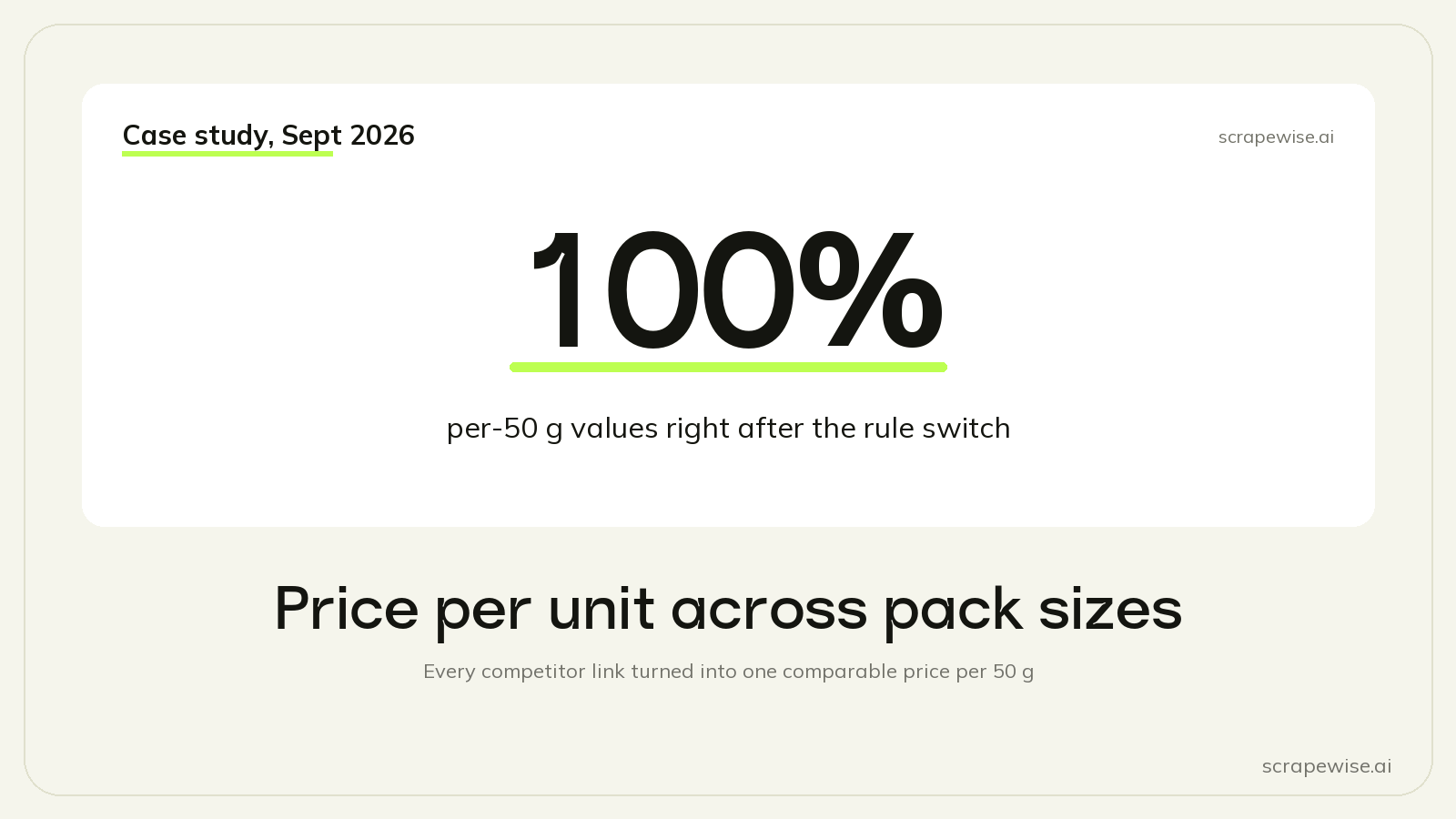
After the switch the per-50 g value was right on 100% of yarn rows. Right here means it equals price ÷ pack × 50 to four decimals, and the pack matches the page.
Details That Matter More Than They Look
Regular price and sale price. We use price for the regular price and sale_price for the price paid today, and sale_price is filled only when it is lower than price. Some shops show a "before" price equal to today's price. That is not a sale, so it stays empty. The reader's rule is short: today's price is sale_price if it is filled, otherwise price.
Empty means unknown. If the price or the weight is missing, the per-50 g value is left empty, not 0. A zero looks like a free product in a chart.
Accessories need their own unit. Stuffing is sold per 300 g bag, blocking mats per set of nine, a neck light per piece. Each accessory row has exactly one unit filled: per 100 g or per piece. Our first version let one row carry both, because the AI read "40+ pcs in stock" as a piece count.
The page can disagree with the customer's file. One cotton yarn is 226 g on the shop and 250 g in the customer's file. We use the shop's weight and flagged it.
Weights in ounces. US shops give their own gram figure, so a ball labelled 100 g can show as 99 g. The difference is under 1%, and we left the shop's number.
What It Costs to Run
A full run of the group costs about €0.015 at our page prices, because every link is one plain page or one JSON call. It is scheduled weekly. Each run adds a new set of rows and keeps the old ones, so you get a price history per link.
The structured sources were also the cheap ones. On the first Shopify links we moved, the JSON run cost about a ninth of the AI run on the same links.
The same setup scales past a hand-picked list. The links sit in one link list per scraper, with the market and SKU in each title, and a bulk upload takes up to 100,000 URLs as JSON Lines in one go. A retailer with 50 competitor shops and tens of thousands of product links would use the same scrapers, the same titles and the same rules.
Links We Could Not Fix
About 5% of the links in the file give no data. The shop removed the product, or in one case the whole shop closed. No scraper setting fixes a product that no longer exists, so those go back to the customer for new links.
If you want to build the same kind of comparison, the parts are all standard: an upload-file scraper for your own prices, one scraper per source type with your links in its link list, and after-scrape rules for per-unit, EUR and stock. You can also have an AI agent do the build for you through our MCP server, as described in build a web scraper with Claude and MCP. For the managed route, see competitor price tracking.
Paste a competitor URL and start tracking prices
Any e-commerce site, any SKU count. Clean structured feeds on your schedule, no code required.
Not ready to sign up? See 40 rows of real Google Shopping price data →
97% accuracy on Amazon benchmarks · no credit card · book a 15-min call →