
In late September 2026 a retailer asked us for daily competitor prices. The brief was short: the full catalogue of every competitor on their list, two EU markets, one catalogue of about 24,000 models (around 100,000 sizes and colours), prices in local currency and in EUR, and every competitor product matched to their own.
This competitor price monitoring case study is what we built, in the order we built it, including the parts we had to redo. The customer stays anonymous, and so do their competitors. The numbers are from our own logs.
One sentence from our side decided most of the choices. We wanted the smallest daily scraping setup that still gives the most matching information. Every design question below was answered against that.
The Setup in One Picture
We ended up with five parts. Each one is a normal Scrapewise feature, and no custom code was written for this customer.
- The master. The customer's own catalogue file, uploaded as an upload-file scraper in each market's group, so it sits next to the competitor data.
- One price scraper per site, run daily. The cheapest source that gives a price and a stable product key for the whole catalogue.
- One enrichment run per site, run once. Item-level data that does not change: EAN, maker codes, size, colour, brand and image, joined to the daily rows on the product key.
- One matching config per site. EAN first, then any exact code, then brand and model, then size and colour, and text last.
- A check after every first run. Rows against the site's own total, fill rates per column, duplicates.
The split between steps 2 and 3 is where the savings come from. A product's EAN does not change every day. Its price might. So we only fetch the price every day.
API First, HTML Last
For each site we opened a category page with the browser's network tab and looked at the requests the page itself makes. On most modern shops the prices arrive as JSON from a search or listing service, and the HTML is drawn from that JSON afterwards.
What we found, by the kind of source each site offered:
| What the site offered | Daily price source we chose | One-time enrichment |
|---|---|---|
| A search API with price and variant id | That API, at its largest page size | Product pages once, for EAN |
| A price API that takes a batch of ids | Batches of ids, at the largest batch the API accepts | A details API once |
| HTML listing cheaper than any API | HTML listing, maximum items per page | The site's variant data once |
| Only an HTML table | HTML table listing | None needed |
| One "from" price per model | Listing only | None |
One shop on the list was dropped. It set its market only through a cookie created by a form post, and we could not replay that reliably.
If you have not looked for these endpoints before, we wrote up the method in how to find the hidden JSON API behind a shop page. The short version: JSON from the shop's own services survives a redesign much better than a CSS selector does.
How the Daily Requests Fell by 88%
The first working version was not cheap. It did the job, but it asked each site the same questions more than once. Here is what we changed, one fix at a time.
Largest page and batch sizes. One site's price API took 100 ids per call in our first config. We tried 500 and 1,000. At 1,000 it returned an error, at 500 it worked. That alone cut that site from 2,072 requests to 415 per market.
Removing double fetches. Two of our scrapers on one site read the same URLs for different fields. Another site had a list scraper that re-read pages a second scraper already covered. We merged or filtered them.
Plain fetch instead of a browser. One site looked like it needed a rendered page with Super (residential proxy). A plain fetch returned the same rows. On our pricing that is €0.15 per 1,000 pages instead of €3.75, so a 25 times cheaper page for the same data. We compared a full plain run against a rendered run before switching.
Per-size price or per-model price. If every size of a jacket costs the same, you only need one price per model. We tested it instead of assuming it. We took models with two or more sizes and counted how often all sizes had the same price. Depending on the site it was 80% to 94%, never 95%. On one site 7 to 8% of sizes carried a surcharge. So we kept per-size prices where they cost no extra request, and on the site with surcharges we derive the size price from the base price plus the surcharge.
Details that never change become one-time sources. EANs, maker codes and images moved out of the daily run completely. That one-time work is where the big page counts are: about 23,000 product pages on one site, and an estimated 190,000 to 250,000 product pages on another, read once instead of every day.
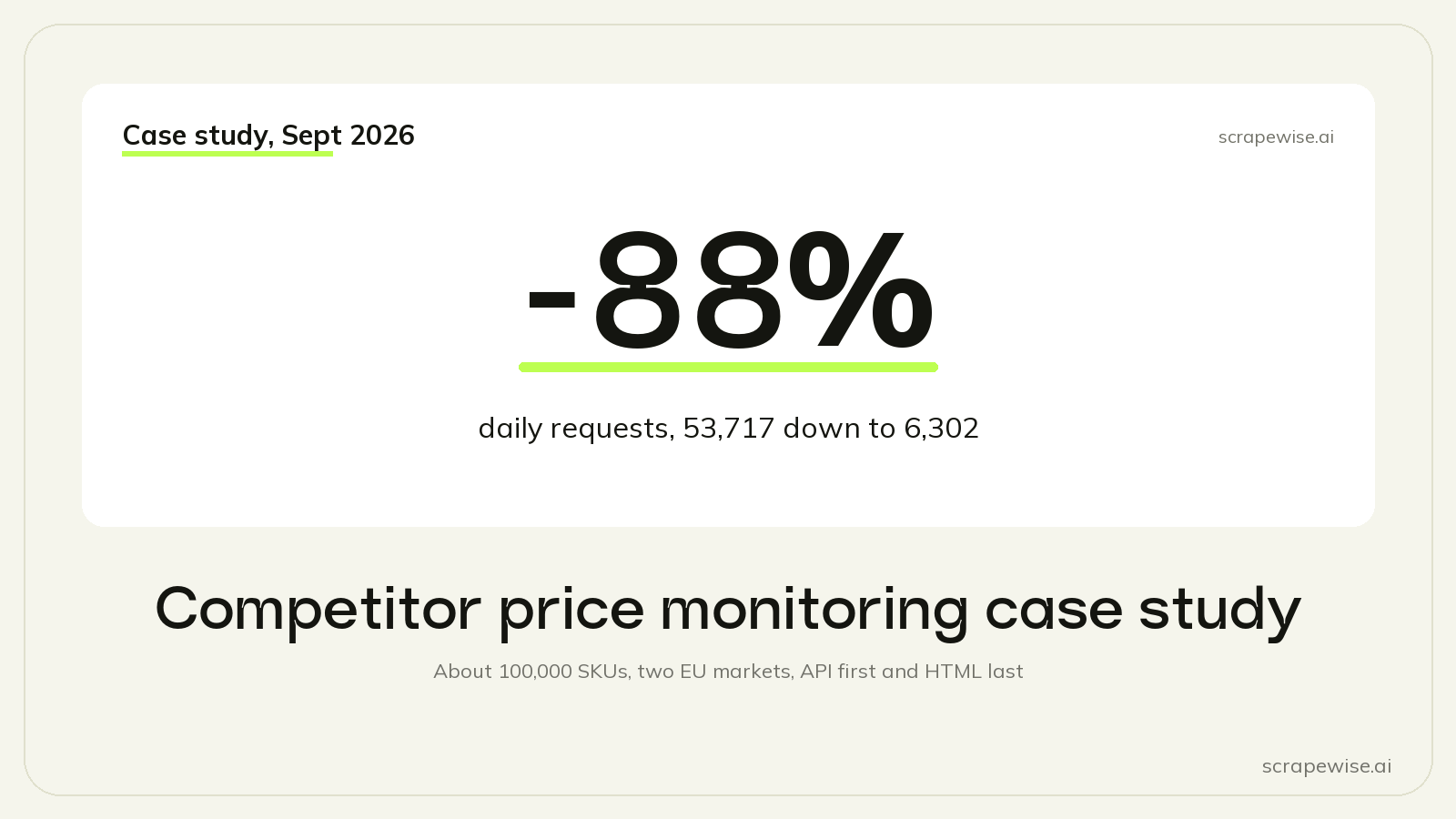
The result, measured on the sites where we changed the daily source: from 53,717 requests a day to 6,302, which is 88% fewer. Our estimate for the whole setup went from about €8.80 a day to about €1.90 a day, plus 10 to 20% for retries and blocked pages.
The Mistakes That Cost Us Most
We lost most of the four build days to rework. Three mistakes did most of the damage.
Per-variant URLs that return the same page. One shop has a separate URL for every size. We fed all of them. They all returned the same product page, about 14 times over, and the scraper wrote no rows from them. The fix was one URL per product. Now we always fetch three variant URLs of one product first and compare them.
Trusting a site search as a full catalogue. On one shop the site search looked like a cheaper way to list everything. It returned 245,000 rows, but only about 91,800 different products, because the deep pages kept repeating the same tiles. The old category listing stayed. Rule since then: diff the product ids of the new source against the old one before switching.
Assuming the API price is the page price. In one market the API price and the shown price differed by a constant factor, the VAT difference between two countries. Once we knew it was constant, a fixed divisor column fixed it. Some discounts only exist on the page and never reach any API. We record those as a known limit instead of pretending they are covered.
There is a longer list, with the smaller ones too, in mistakes we made building price scrapers.
Same Column Names on Every Scraper
This one is boring and it matters. Every scraper in the setup writes the same column names: name, brand, sku, productId, variantId, size, colour, category, price, url, image, the raw ean and mpn, and fixed columns for competitor, market and currency.
Then a few after-scrape rules add the working columns. "Convert currency" writes priceEur from price with the ECB rate of the day. "Clean up text" keeps only digits in eanClean and only letters and digits in mpnClean. "Replace values from a list" turns each shop's stock wording into IN_STOCK, OUT_OF_STOCK, BACKORDER or UNKNOWN.
We learned why this matters the hard way. A join that read sku filled 0 rows, because one scraper had written variantSku. Nothing crashed. The column was just empty.
Matching: Codes First, Text Last
The daily prices are only useful once each competitor row is tied to the right product in the customer's catalogue. We kept one order on every site: EAN, then any exact maker code after cleaning, then brand and model, then size and colour, and product names last.
The biggest single win was a code hiding in another column. On one site the shop's own SKU, with the brand prefix removed, was the maker's part number. It agreed with the EAN on 99.1% of the rows where both existed. On another site a "supplier reference" field agreed 96% of the time. Neither column was called mpn. So we now test every code-like column against the customer's codes, whatever the column is called.
Matching is still in progress, and we are not going to round it up. In our test environment the share of the customer's models with at least one competitor match went from about 20% to about 46% in one market, and from about 5% to about 38% in the other. The target is above 65%, and we are not there yet. Automatic matches were right at model level about 94% of the time, measured with the EAN hidden. For more on why matching is the hard half, see product matching for price monitoring and why EAN matching fails.
What It Took
| Step | Time on this project |
|---|---|
| Intake: catalogue fill rates, competitor list, markets | about 2 hours |
| Finding the JSON endpoints on every site | about half a day |
| Building the scrapers with the same columns | about 1 day |
| First runs, one at a time, with a check after each | about 3 days of wall clock |
| Cutting requests | about 35 minutes of study and 3 hours of changes |
The time is agent time. Most of the build was done by an AI agent working in our portal through the Scrapewise MCP server, with a person deciding the open questions.
Next time we will decide the cheapest daily source and the code columns before building, not after the first runs. Most of the rework came from doing that step late.
How the Same Setup Scales
Nothing in this setup is tied to the number of competitors. Each new site is one more daily price scraper, one more one-time enrichment run and one more matching config, all in the same groups with the same column names. The same pattern works for any number of competitor sites and tens of thousands of links.
The platform limits are sized for that. A link list fed automatically from another scraper can hold up to about 700,000 links. A bulk URL upload takes 5,000 URLs in one JSON call, or up to 100,000 as JSON Lines. A customer catalogue can come in as a CSV or JSON Lines file of up to 200 MB, or an Excel file of up to 36 MB. And a run has no time limit: it stops when the list is done, the wallet is empty, or you stop it.
If You Want the Same Setup
You can build this yourself in the portal, or have an agent build it for you through MCP. The parts that did the work are all standard: upload-file scrapers for your catalogue, API and HTML scrapers with link lists, after-scrape rules, a sample scrape before each full run, and the matching tab. The data comes out through the REST API or a CSV/Excel export.
If you would rather hand it over, competitor price tracking is the managed version of the same thing. Every account starts with 5 free requests.
Paste a competitor URL and start tracking prices
Any e-commerce site, any SKU count. Clean structured feeds on your schedule, no code required.
Not ready to sign up? See 40 rows of real Google Shopping price data →
97% accuracy on Amazon benchmarks · no credit card · book a 15-min call →