
On most modern shops the price you see was not in the HTML the server sent. The page asked a JSON service for it, then drew it. If you can call that JSON service yourself, you get the price, the product id and often the EAN and stock, without parsing a single CSS class.
We now look for this JSON first on every site we build a scraper for, and use HTML selectors last. This post is how to find the hidden API behind a shop page, which platform endpoints to try, and the tests we run before we trust one.
Why Bother
Three reasons, from our own builds.
It survives redesigns. A theme change moves the price into a different box. The JSON the theme reads from stays the same, because every theme on that platform reads it.
It is cheaper. On a recent yarn project, links read from Shopify's JSON cost about a ninth of the same links read with AI extraction. On a multi-site project, moving to listing APIs at their largest page and batch sizes was a big part of cutting daily requests by 88%. That story is in our competitor price monitoring case study.
It is exact. A JSON field called price next to a field called compare_at_price is a lot less ambiguous than two numbers on a page, one of them crossed out.
Step 1: Watch What the Page Asks For
Open a category page or a product page in Chrome, open DevTools, go to the Network panel, and reload. Filter by Fetch/XHR, then search the requests for a price you can see on the page, for example 24.95 or 2495. Chrome's docs cover the panel in inspect network activity.
What you are looking for is a response with a list of products, each with a price and an id. Common shapes:
- A search or merchandising service, often GraphQL, that returns the product grid with prices.
- A search API where each product carries its variants as child documents, so sizes, SKUs and EANs sit together.
- A batch API such as
/api/products?ids=...that takes a list of ids and returns details for each. - A category page with an
application/ld+jsonblock holding anItemListof products.
Right-click the request and copy it as cURL. That command is your scraper. In Scrapewise you can paste it into the builder, or an agent can pass it to scrapewise_preview_scraper_from_curl and get a data preview back.
Step 2: Try the Platform Endpoints
If the network tab shows nothing useful, check what the shop runs on. The big platforms have public storefront JSON that every theme uses.
| Platform | Endpoint to try | What you get |
|---|---|---|
| Shopify | /products/<handle>.js, or /variants/<id>.js for one variant |
Price, before-price, weight in grams, SKU, barcode, stock. Prices are in cents in .js |
| WooCommerce | /wp-json/wc/store/v1/products?slug=<slug> |
Price in minor units with the number of decimals, stock, on-sale flag |
| Magento | Open REST routes vary by shop. On one shop only /rest/V1/products-render-info was open |
Final price and regular price per product |
| Any site | application/ld+json in the page |
Product name, price, currency, often GTIN and availability |
Shopify's product JSON is documented in the Ajax Product API, and WooCommerce documents its Store API. Neither needs a key for public product data.
Two Shopify details cost us time. The .json variant endpoint has the weight in grams but no stock flag. The .js endpoint has the stock state as well, but prices in cents. We use .js and divide by 100 with an after-scrape rule. And a product's first variant is not always the one the customer means, so we fetch the exact variant from the link, not "the first one".
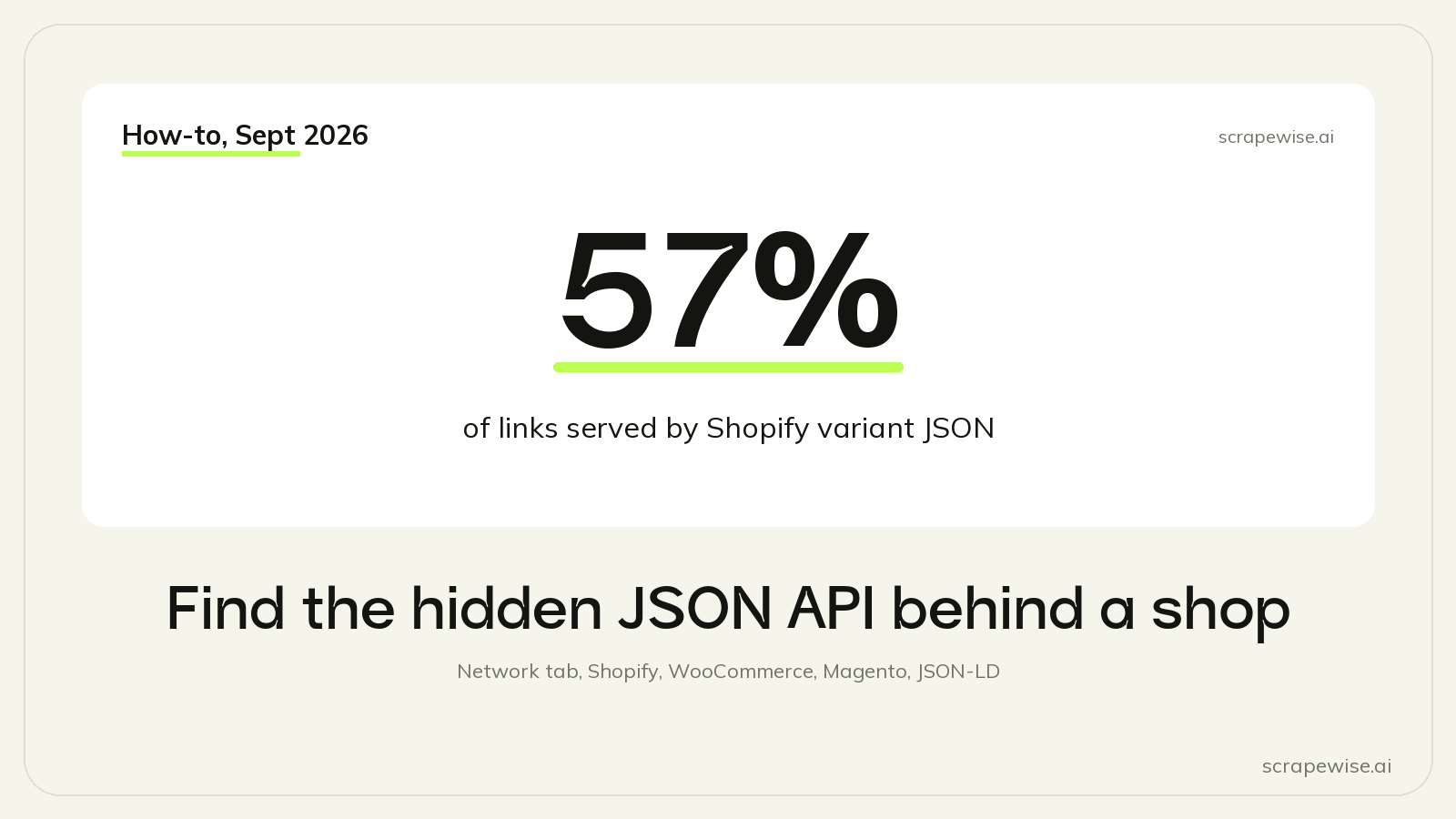
On a competitor link list for a yarn retailer, 57% of the links ended up on Shopify's variant JSON and 2% on the WooCommerce Store API. The rest used microdata, JSON-LD, or AI extraction where nothing structured had the weight. The full build is in comparing prices across pack sizes.
Step 3: Don't Forget Structured Data in the HTML
When there is no API, the page often still has a structured layer: JSON-LD, or itemprop microdata on the price and currency. It is meant for search engines (Google explains it in its Product structured data guide), so shops keep it correct, and it rarely changes with the design.
Walk the whole JSON-LD graph, including nested nodes. Some shops wrap products in a ProductGroup or an ItemList, and a parser that only looks for a top-level Product finds nothing. We made that mistake once on a big marketplace and nearly filed a working site as blocked.
Step 4: Probe the Limits Before You Build
A working endpoint is the start. These tests decide how many requests a full catalogue will take.
Largest page size. Try 96, 250 and 500 items per page. One shop capped at 48. Another returned an error at 1,000 ids per call and worked at 500, which cut that site from 2,072 requests to 415 per market.
Past-the-end page. Request the page after the last one. If it is empty, paging is safe. If it returns products again, the site repeats pages, and you need a fixed list of page links instead of following "next".
Offset caps. Some search services refuse an offset beyond 10,000 results. Split the catalogue into bins, for example by category or id prefix, so each bin stays under the cap, and check that the bin totals add up to the site total.
Market and currency. Set the market with the URL, a header or a cookie that the endpoint accepts. We skipped one shop that set its market only through a form post that we could not replay.
Price check. Compare the API price with the shown page price on about 50 products per market. In one market the API price and the page price differed by a constant VAT factor, which one fixed column fixed. Some page-only discounts never reach any API, and we list those as a known limit.
Step 5: Read the JSON Carefully
One object per variant. If an endpoint gives you arrays such as sizes: [...], eans: [...] and prices: [...], and one variant lacks an EAN, reading the arrays by position shifts every later EAN to the wrong size. Prefer an endpoint with one object per variant, where the size, the SKU and the EAN are fields of the same object. Test 5 rows against the page.
EANs as strings. A JSON number EAN can come out as 4.006381333931E12. Map it from a string field, then keep only digits with a cleaning rule.
Minor units. 2495 with minor_unit: 2 is 24.95. Check the decimals field instead of assuming 2.
Codes hide in other fields. On one site the shop's SKU without its brand prefix was the maker's part number. It agreed with the EAN on 99.1% of rows where both existed. Test every code-like field, whatever it is called.
When There Really Is No API
Some pages have no API, no JSON-LD and no microdata, or they load the price by a script that only runs in a browser. Then HTML selectors with a rendered page, or AI extraction, are the right tools. Just know what they cost: on our pricing a plain page is €0.15 per 1,000, a browser page €0.75, and the hardest sites €3.75. Check that a plain fetch really fails before you pay for a browser. On one site a plain fetch gave exactly the same rows as a browser with residential proxies, at a 25th of the price.
For the harder cases, see how to scrape JavaScript-heavy e-commerce sites, and for why a 200 status is not proof you got the page, HTTP 200 is not success.
If you want an agent to do this hunting for you, the Claude and MCP walkthrough shows the brief we give it: find the JSON source first, and use HTML only when there is none.
Paste any URL — ScrapeWise handles the anti-bot
Managed infrastructure that adapts when sites change. No proxies, no code, no per-request fees.
Not ready to sign up? See 12 real Amazon rows, 972 columns →
97% accuracy on Amazon benchmarks · no credit card · book a 15-min call →